CoinDCX Futures
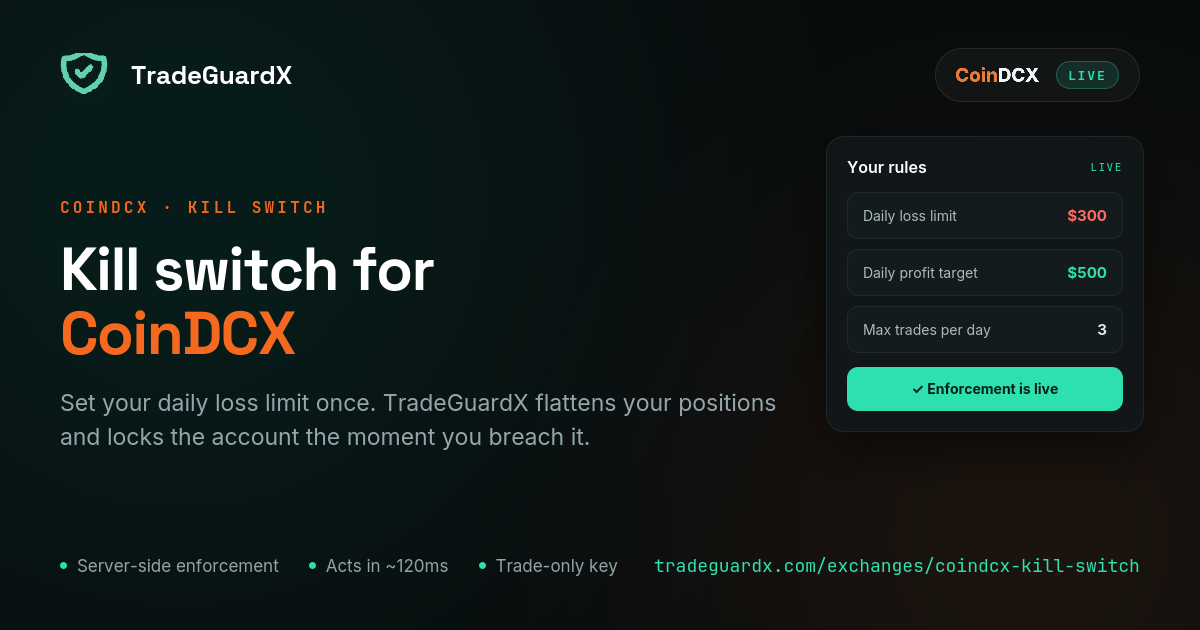
Kill switch for CoinDCX
Connect a CoinDCX API key bound to our IP, set your daily loss limit once, and our engine enforces it — cancelling orders, closing positions and locking the account whether your screen is on or not. Futures only.
What happens when you breach your limit on CoinDCX
Three steps, in this order, every time. Your open orders are cancelled. Every open position is market-closed — then verified, and retried if the exchange says otherwise, because assuming an instruction landed is how a guard quietly fails. Then the account is locked for a cooldown.
The lock is written to the database before any closing starts, so a crash mid-close cannot leave you unlocked. It survives an engine restart and is lifted by the clock alone, never by an error. Anything you open during that window is closed on sight and does not count as a trade.
We cannot stop an order from reaching CoinDCX. No exchange hands a third party that switch, and anyone who says otherwise is selling something. What we do is close the position immediately after it opens and then confirm you are flat.
What is different about CoinDCX
Futures only. CoinDCX spot is not enforced, does not appear in your journal, and is not carried into the tax centre. If you want spot protected, that is not something we can do today — and it is better said here than discovered after a bad day.
CoinDCX's INR and USDT margin modes are one venue, not two exchanges. They list the same perpetuals, priced in USDT either way; only the wallet posting margin differs. One key covers both, your rules apply across the pair, and your equity is reported as a single USDT figure with the INR wallet converted at CoinDCX's own spot rate.
There is no permission checkbox on CoinDCX's create-key form, so there is nothing to tick for trading and no point hunting for it. We verify the key can actually act the moment you connect it, and say so plainly if it cannot.
Read: CoinDCX INR vs USDT marginWhich CoinDCX rules can TradeGuardX enforce?
All seven on CoinDCX futures, with the same behaviour as every other venue — it is one engine behind all of them. CoinDCX's first live key went through this end to end in September 2026 and surfaced three request-shape bugs, including one where a position with a stop attached read as unprotected. Those are fixed; the venue is proven rather than assumed.
Daily Loss Protection
Cancels every open order, market-closes every position, and locks the account until your next daily reset.
Measures trading result, so a deposit does not move it.
Max Trades Per Day
Locks the account for the rest of the day once you hit your trade count.
Trades blocked by a lock are free — they do not count toward the limit.
Daily Profit Target
Locks the day once you have BOOKED your target and are flat, so the win survives the afternoon.
It never force-closes an open winner.
Close After N Losses
Pauses trading after a losing streak. Two tiers, each firing once per streak: a soft lock at your chosen count (3 losses → 3h by default) and a hard lock if it continues (5 → 12h).
A win resets the streak before either tier.
Risk Per Trade
Closes the single position whose stop-loss implies more risk than your limit, and leaves the rest of the account alone.
It does not cancel your other orders and does not lock the account.
Stop-Loss Protection
Tells you a position is sitting open with no stop attached.
It never closes it. Force-closing you for not having set a stop yet would be worse than the problem.
Max Drawdown Lock
Notifies when the account is down past your threshold from its starting balance.
Alert only today, despite the name — it does not close or lock. Do not rely on it as a floor.
How do I connect my CoinDCX account?
Six screens on CoinDCX, then one paste into TradeGuardX — about five minutes. Two things to know before you start: it has to be a desktop browser, because CoinDCX has no create-key screen in their mobile app; and the secret is shown exactly once, on the screen that creates it.
Read the CoinDCX key setup guideCan TradeGuardX withdraw my funds?
No, and you should refuse any risk tool that asks. Your funds never leave your own exchange wallet — we never hold them.
CoinDCX's API key form offers no withdrawal permission at all — there is no box to tick and none to leave unticked. The key can cancel an order and close a position, and it cannot move a rupee out of your account.
The key is also pinned to a single IP address (13.205.214.83), so it only works from our engine and nowhere else. Your secret is encrypted with KMS before storage and is never shown again, not even to you.
CoinDCX Futures questions
Does TradeGuardX work with CoinDCX?
Yes, on CoinDCX futures, live since September 2026. You create an API key on CoinDCX, bind it to our IP, and paste it in. We hold a live connection to the account — positions, orders, balances and the public mark-price feed — and enforce your rules from our servers. CoinDCX spot is not covered.
Can I create a CoinDCX API key on the mobile app?
No. CoinDCX has no create-key screen in their mobile app, so the key has to be made in a desktop browser. Once it is connected you can trade from the phone app as normal — enforcement runs server-side and does not care where the order came from.
Do INR and USDT margin need two separate keys on CoinDCX?
No, one key covers both. CoinDCX's INR and USDT margin modes are a wallet toggle, not two exchanges: the instruments are identical and prices, fees and P&L are quoted in USDT either way. Your rules apply across both, and your equity is reported as a single USDT figure with the INR wallet converted at CoinDCX's own spot rate.
Why does my CoinDCX key keep getting rejected?
Almost always the IP binding. The key must be bound to our IP exactly, or bound to nothing at all — a key bound to some other address will fail every request. Our address is shown with a copy button on the connection panel. There is no trading permission to enable on CoinDCX, so that is never the cause.
Why are my CoinDCX spot trades missing?
Expected — we read futures only. Spot trades are not enforced, do not appear in the journal, and are not carried into the tax centre. We would rather state that than let you assume a position is being watched when it is not.
Does the kill switch still work if I trade from the CoinDCX app?
Yes. That is the whole reason it runs on our servers rather than as a browser extension. An extension can only see the tab it is in, and only while that tab is open; we hold a live connection to the account, so a position opened from the CoinDCX app, the website or a third-party client is seen the same way.