Shark Exchange
BetaKill switch for Shark Exchange
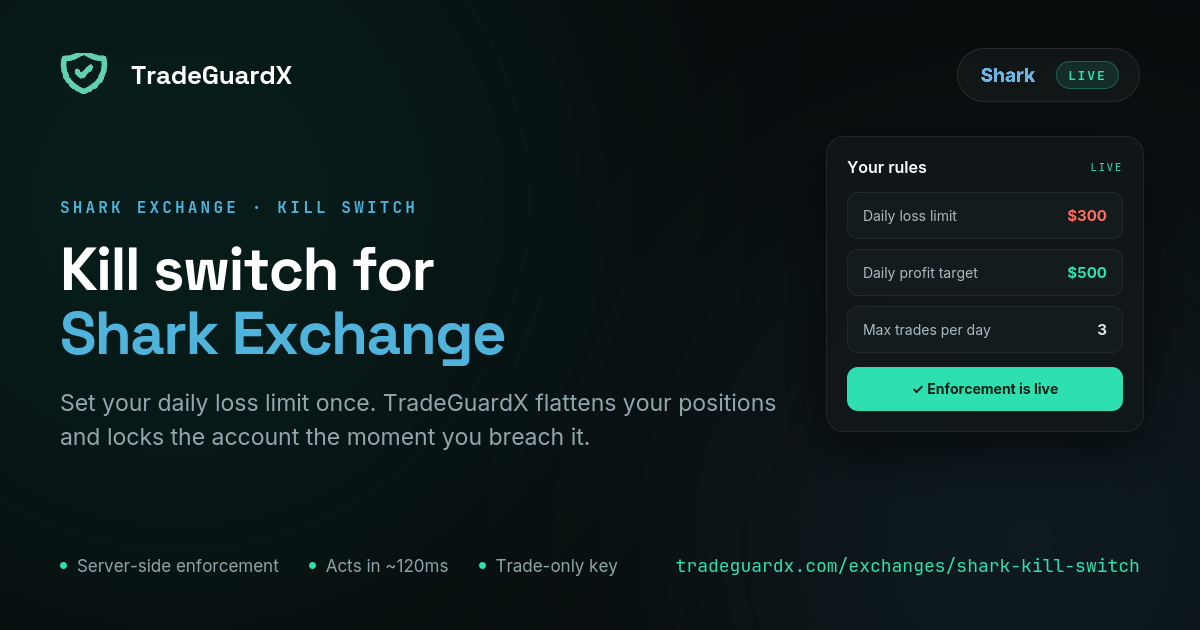
Connect a Shark Exchange API key with Trade Futures enabled, set your daily loss limit once, and our engine enforces it — cancelling orders, closing positions and locking the account without you having to be at the screen.
What happens when you breach your limit on Shark Exchange
Three steps, in this order, every time. Your open orders are cancelled. Every open position is market-closed — then verified, and retried if the exchange says otherwise, because assuming an instruction landed is how a guard quietly fails. Then the account is locked for a cooldown.
The lock is written to the database before any closing starts, so a crash mid-close cannot leave you unlocked. It survives an engine restart and is lifted by the clock alone, never by an error. Anything you open during that window is closed on sight and does not count as a trade.
We cannot stop an order from reaching Shark Exchange. No exchange hands a third party that switch, and anyone who says otherwise is selling something. What we do is close the position immediately after it opens and then confirm you are flat.
What is different about Shark Exchange
Shark settles in INR. Your equity, your P&L and every limit you set are rupee figures that reconcile to the paisa against Shark's own statement — there is no USD conversion sitting between your loss limit and what the exchange says you lost.
Shark issues every API key as Read only. The permission that lets anything be closed is called Trade Futures, and it is edited after the key already exists — which is the moment people think they are finished and navigate away. Without it we can watch the account and send you alerts, and the kill switch will do nothing at all.
Shark does not publish an exit price on a closed position, so a closed trade's realised result is reconstructed rather than read off the exchange. It does not affect enforcement — the guard acts on live positions and marks — but it is why a Shark journal entry shows less fill detail than a Delta one.
Which Shark Exchange rules can TradeGuardX enforce?
Shark Exchange is in beta: the connection, the mark-price feed and the close path have each been verified against a live account, but no rule has yet fired against a real open position. Treat it as working and watched rather than proven, and keep your first limits small.
Daily Loss Protection
Cancels every open order, market-closes every position, and locks the account until your next daily reset.
Measures trading result, so a deposit does not move it.
Max Trades Per Day
Locks the account for the rest of the day once you hit your trade count.
Trades blocked by a lock are free — they do not count toward the limit.
Daily Profit Target
Locks the day once you have BOOKED your target and are flat, so the win survives the afternoon.
It never force-closes an open winner.
Close After N Losses
Pauses trading after a losing streak. Two tiers, each firing once per streak: a soft lock at your chosen count (3 losses → 3h by default) and a hard lock if it continues (5 → 12h).
A win resets the streak before either tier.
Risk Per Trade
Closes the single position whose stop-loss implies more risk than your limit, and leaves the rest of the account alone.
It does not cancel your other orders and does not lock the account.
Stop-Loss Protection
Tells you a position is sitting open with no stop attached.
It never closes it. Force-closing you for not having set a stop yet would be worse than the problem.
Max Drawdown Lock
Notifies when the account is down past your threshold from its starting balance.
Alert only today, despite the name — it does not close or lock. Do not rely on it as a floor.
How do I connect my Shark Exchange account?
Six screens on Shark, then one paste into TradeGuardX. The whole thing takes about five minutes, and the two places people get stuck are both worth knowing before you start: it has to be a laptop or desktop, because Shark's mobile app has no create-key screen at all; and Trade Futures is unticked by default.
Read the Shark key setup guideCan TradeGuardX withdraw my funds?
No, and you should refuse any risk tool that asks. Your funds never leave your own exchange wallet — we never hold them.
The only permission we ask for is Trade Futures, which is enough to cancel an order and close a position and nowhere near enough to move a rupee. Shark's API key form offers no withdrawal permission at all, so the key could not move funds even if someone took it.
The key is also pinned to a single IP address (13.205.214.83), so it only works from our engine and nowhere else. Your secret is encrypted with KMS before storage and is never shown again, not even to you.
Shark Exchange questions
Does TradeGuardX work with Shark Exchange?
Yes, and it is in beta. Shark runs on the Pi42 API stack and we hold a live connection to your account: positions, orders, balances and the public mark-price feed. The connection, the feed and the close path have each been verified against a live account. What has not happened yet is a rule firing against a real open position, so we label it beta rather than proven.
Can I create a Shark Exchange API key on my phone?
No. Shark's mobile app has no create-key screen at all, so the key has to be made on a laptop or desktop browser. That is Shark's limit, not ours. Once the key is connected you can trade from the phone app as normal — enforcement runs on our servers, so it does not care where the order came from.
What is the Trade Futures permission on Shark Exchange?
It is the scope that lets an API key place and close futures orders, and Shark issues every key without it — Read only by default. You enable it under Edit API Restrictions after the key has been created. A Read-only key connects to TradeGuardX perfectly well and can send you alerts, but it can never close a position, so the kill switch would do nothing.
Why does Shark Exchange need an IP whitelist?
Because it makes a stolen key useless. Paste our address (13.205.214.83) into the IP field when you create the key and it will only work from our engine — Shark answers every request from anywhere else with "IP address not whitelisted". That address is an Elastic IP pinned to our network, so it stays correct rather than changing on our next deploy.
Are my Shark Exchange rules in rupees?
Yes. Shark settles in INR, so your daily loss limit, your risk per trade and your drawdown threshold are all rupee amounts, and your equity is reported in rupees. Nothing is converted on the way in or out, which means the figure your rule is measured against matches Shark's own statement exactly.
Does the kill switch still work if I trade from the Shark app?
Yes, and that is the reason it runs on our servers rather than in your browser. We hold a live connection to the account itself, so it makes no difference whether the order came from Shark's website, its mobile app, or a script you wrote. If the trade reaches your account, we see it and act if it breaks a rule.